
Click the element.
Turn on commenting and pick anything on the page — a heading, a card, or drag across an area.
Built for vibe coding on the Mac
Point at your app. Your agent fixes it.
Your agents, your terminals and the page you're building — side by side in one native window, as beautiful as the Mac you chose.
The real layout, running right here. Click a pane and use the shortcuts.
Saturday, September 27
You’re $312 under budget this month.
In Tilepane it’s ⌘T and ⌘W — here your browser keeps those for its own tabs, so add ⌥.
Visual feedback
Describing UI in words is slow. In Tilepane you click the thing you mean, say what should change, and press Return. The agent gets the element, a screenshot and the exact Vue or React file it lives in — with its parent components.
Turn on commenting and pick anything on the page — a heading, a card, or drag across an area.
Type it in plain words and choose the session. Queue a few with ⌥↩ and send them together.
Claude Code or Codex receives the selector, a screenshot and the source file — and gets to work.


❯ [UI comment · localhost:5173 · 1]
  1. h1.greeting-title "Good evening, Maya."
     Source: src/components/Greeting.vue (App › Greeting)
     Screenshot: ~/Library/Caches/Tilepane/annotations/7c1e….png
     → Make the greeting a little smaller and warmer.

⏺ Reading src/components/Greeting.vue…
Your next UI fix is one click away.
Join the waitlistTiling workspace
Every new panel splits the one you're in — a terminal, a browser, a note. The window tiles itself: no dragging, no gaps, no windows piled on top of each other.
⌘⇧ and an arrow trades places with the neighbour. ⌘⌥⇧ and an arrow moves the divider.
⌘F takes any panel full screen. Press it again and everything returns to where it was.
Made for Mac people
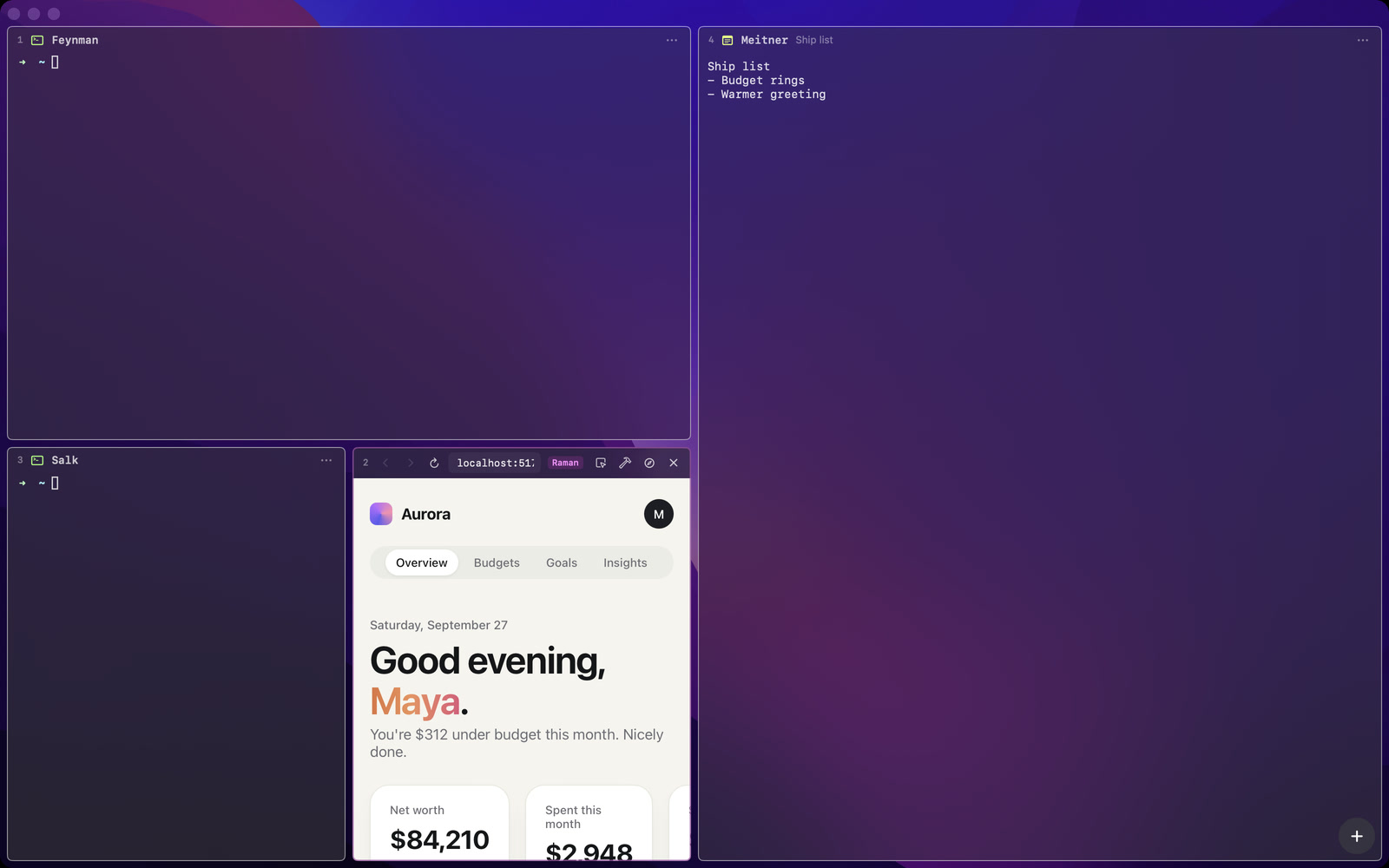
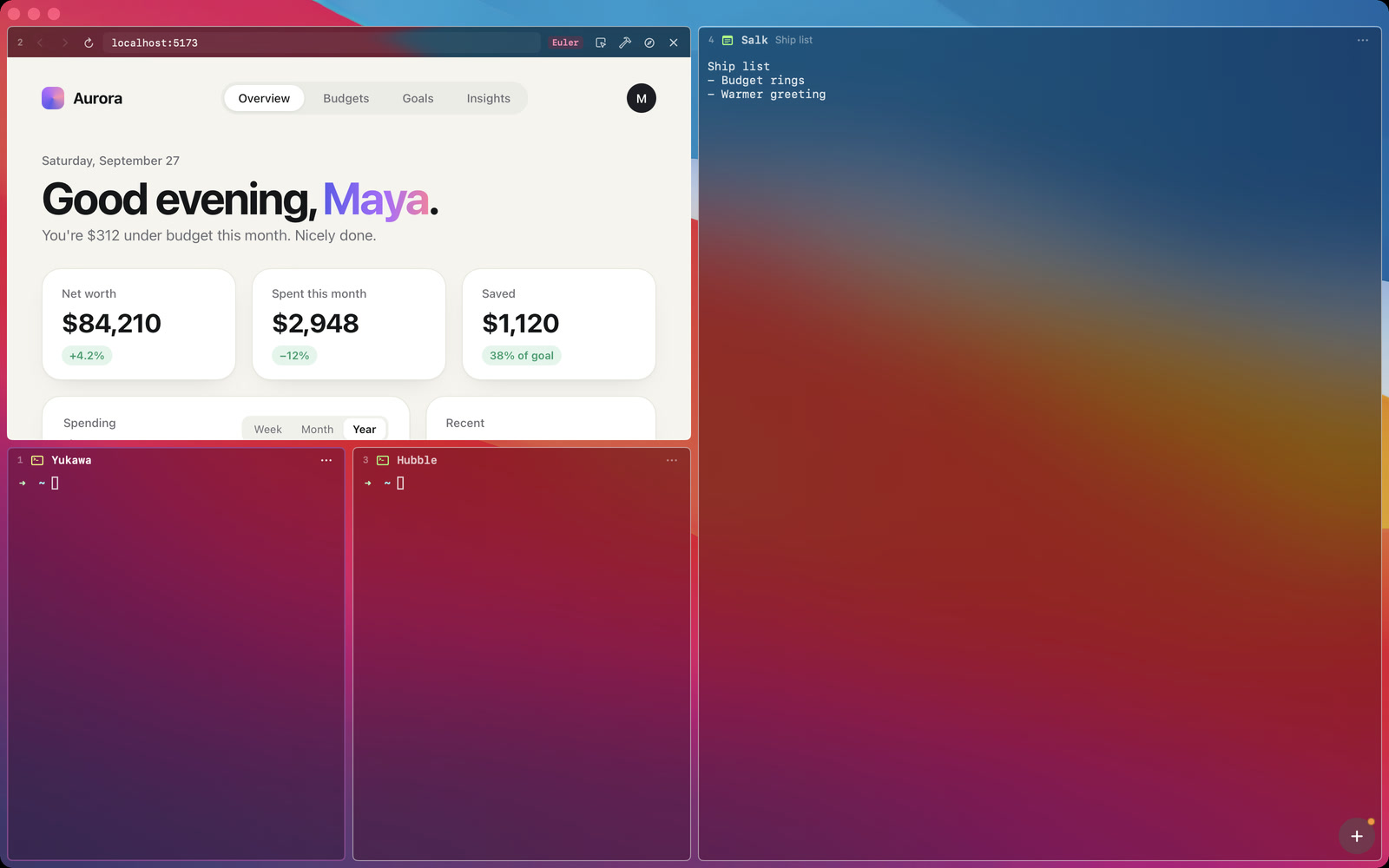
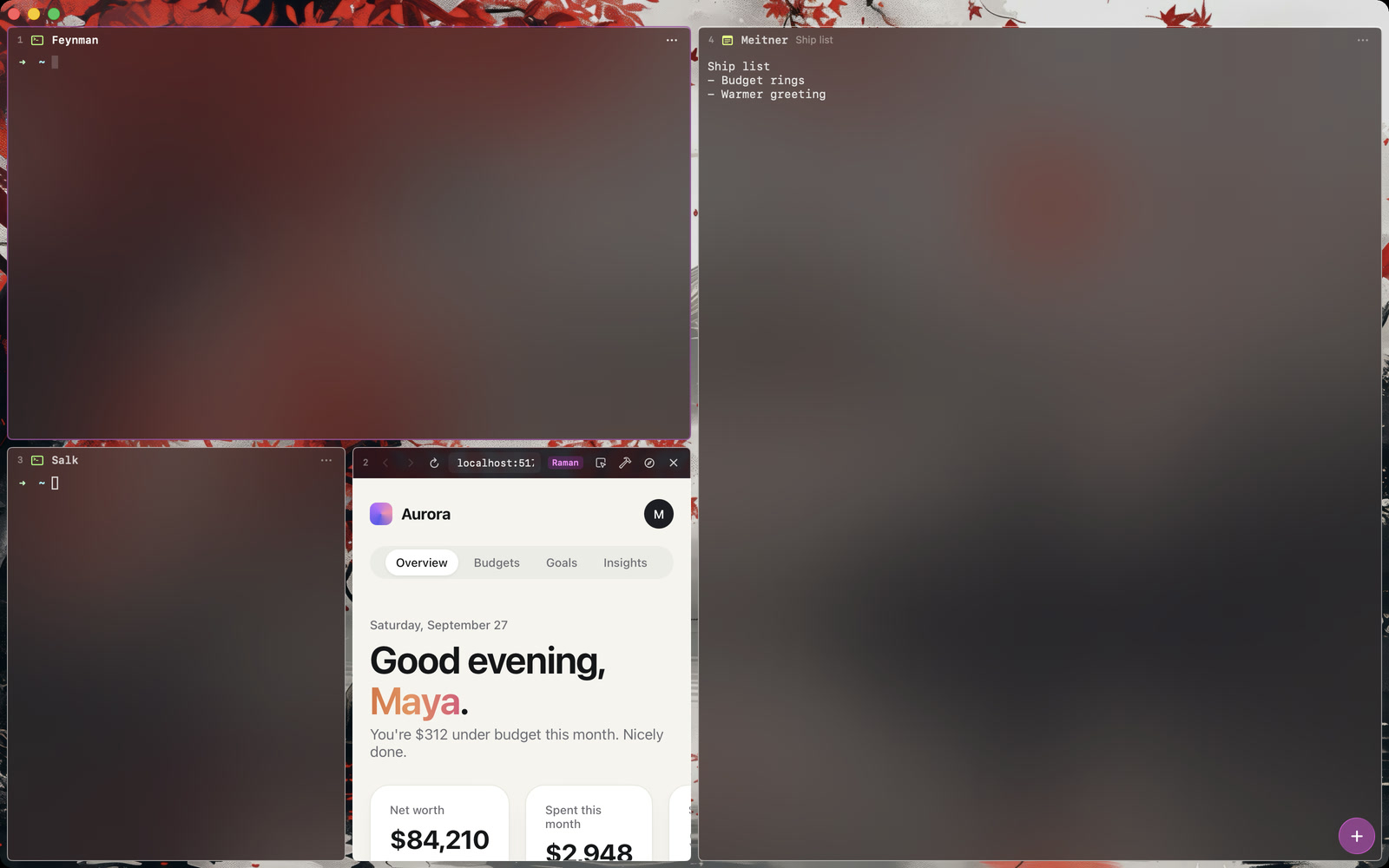
Panels are real macOS glass that picks up your wallpaper. ⌘⇧B switches between your desktop, a quiet dot grid or any image.
SF for the interface, a crisp monospace for code, quiet colours that don’t shout.
Built in Swift with AppKit and SwiftUI. Native menus, the shortcuts you know, smooth animation — the app itself isn’t a web page.
⌘I opens a glass sidebar with every workspace, agent, page and note. Drag them into groups, search, jump in. Each project gets its own workspace and comes back exactly as you left it.

Search every panel across every workspace — by name, task or folder.

Tabs with ⌘T, DevTools docked in the panel and the console on ⌘J.

⌘⇧V shows everything you copied — commands, links, screenshots. Type to filter, Return to paste.
⌥⌘N drops a note into the layout — a ship list, a plan, the thing you'll forget.
Claude Code, Codex or any CLI runs in a real terminal. Tilepane tells you when one needs you.
Claude CodeCodexany CLI

Tilepane opens to people on the list first, in small waves. Leave your email and we'll write when your turn comes.
Cursor is an editor; Warp and Ghostty are terminals. Tilepane is the window around your agents: their terminals, the page you're building and your notes, tiled side by side — and you can point at the page to tell an agent what to change. Keep your editor; Tilepane works next to it.
Early access opens in waves, starting with people on the waitlist.
Tilepane is a native app for macOS 26 Tahoe and later, on Apple silicon.
No. Anything that runs in a terminal works — Claude Code, Codex, Gemini CLI or your own scripts. Page comments are sent to whichever session you pick.
A comment sends your words, the element, a screenshot and its source file to the session you choose. The agent in that session makes the change.
No. Tilepane runs on your Mac. Screenshots and comments stay local; only your agents talk to their own services.